
Posts Tagged ‘microsoft’
Something Old

Something curious happened during Microsoft’s PDC in 2003 (See ‘geeks bearing gifts‘). They unveiled the then-exciting and anticipated Longhorn operating system that was powered in large part by the GPU. That is, each “window” of Windows would no longer be rendered in software. They would be rendered as full 3D planes using the GPU.
Wow, Windows 8 is Really Awkward (Review)
I’m not one to be easily confused by UI decisions. Comfortable with the command-line, and having used dozens upon dozens of different distributions of Linux, and nearly every version of Windows since 3.11 for Workgroups (and MS-DOS before that, v. 6.22) — I can’t say I’ve ever seen anything like Windows 8.
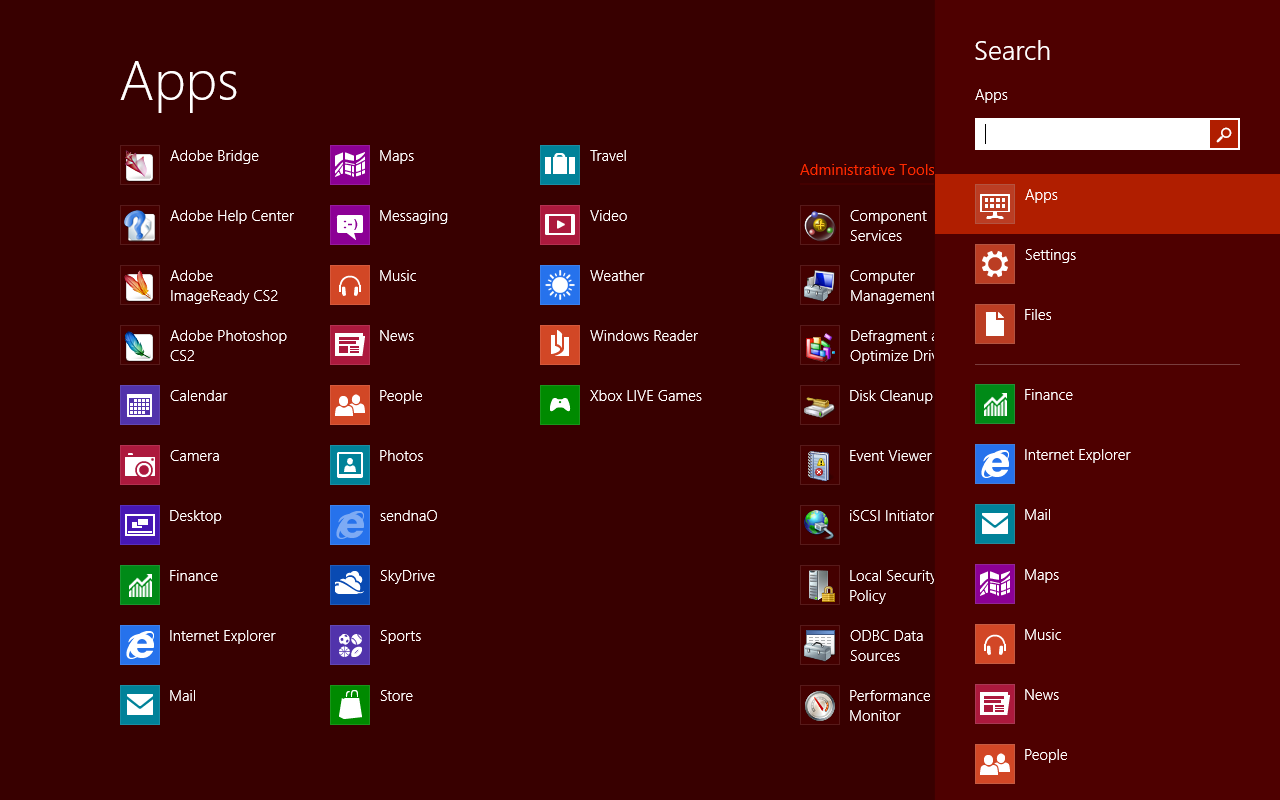
Granted, that’s how Microsoft wants it to be perceived. Perhaps they’ve succeeded in that cursory endeavor.
Windows Home Server is Incredibly Awkward
I was compelled to set up a file server because my clients maxed out their Dropbox. Originally, they were only sharing about 100MB worth of documents, so, I figured Dropbox was the ideal solution for them. Of course as they got real comfortable, they started sharing folders and moving enormous PDFs, .wav files and videos into the Dropbox. Needless to say, they maxed it out pretty quickly. I could upgrade their Dropbox, but then I’d have to upgrade everybody’s Dropbox and at this point there are at least ten different clients accessing the data at any given time. So, a dedicated file server seemed like the logical choice.
How-To: Enable Complete Full Root Sharing in Windows 7
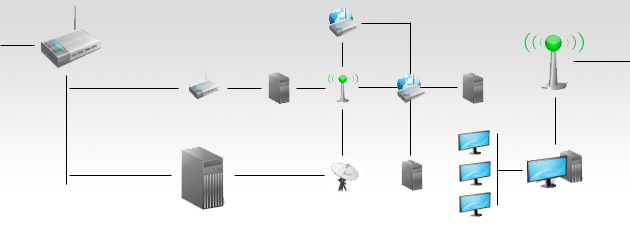
Having just (relatively) recently begun using Windows 7 in a complicated and demanding work setting, I can truly see why it takes businesses years to upgrade to the latest from Microsoft. My office uses a series of encrypted volumes, which are mounted and then shared across our network. It’s not terribly complicated since there are no multiple domains or active directory stuff, but it does need to have effortless n0-nonsense sharing and be totally reliable.
When Did The Focus Rules Change?
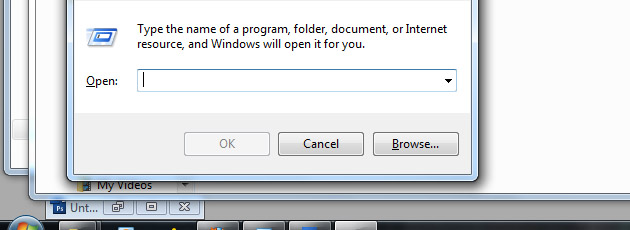
Back in the old days, the concept of “focus,” that is, which active window, button, text field or icon being active or selected was very clear. If a message box or dialogue box appeared on the screen or “took focus” from whatever you were doing, it was clear that you’d have the option to either press space bar, tab, alt+key, or any other combination thereof to make your desired selection quickly and move on.
This was the norm for many years going back as far as MS-DOS to Windows98 SE if my memory serves. After that, somehow the rules changed. Mind you, I’m not talking about Linux here, just Windows. From the limited distros I’ve tested, Linux seems to be pretty spot-on with handling focus consistently.
Why Microsoft Outlook is to be Avoided for Personal Use
Recently, I’ve had to work on a number of machines that have had Outlook as their primary e-mail client for a number of years and in doing the requisite work on these systems that I’ve come to see a broad issue with locally stored e-mail and the way Outlook in particular makes it very difficult to get away from. What is surprising to me is just how many people are still falling for the locally stored e-mail trap. Don’t get me wrong, allow me to explain. Some people (such as those who heavily value privacy, manage their own e-mail servers, etc.) can benefit heavily from such a system, but an average user who doesn’t know the difference between Gmail and an Exchange Server should certainly not be using the latter.
At first, Outlook seems like a great tool. It’s got everything in one place, e-mail, tasks, calendars, notes and so on. As you continue using Outlook over the years, I imagine it becomes familiar as you begin to make folders and subfolders, add to your calendar and make reminders for your calendaring. I get that.